
Turn your food photos into your next restaurant reel.
Add your dish, offer and restaurant details. Choose a style, review your reel and download it for your socials.
Preview your layout before you spend credits.
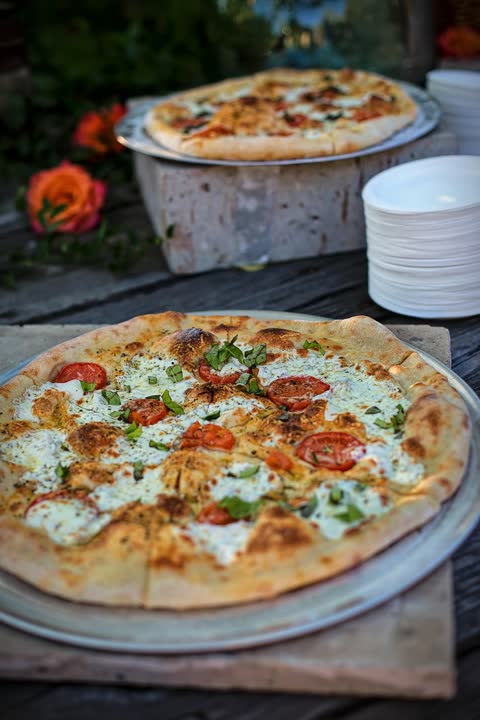
The photo
The reel
How to make a food reel in three steps
Upload your actual dish photo.
A real photo of your own food. It is checked, straightened and stored privately.
Add the details and pick a style.
Name, price, dates and conditions, typed by you and confirmed by you.
Review and download your reel.
Watch it beside your original photo, approve it, then download and post it yourself.
Food video styles, made from real photos
Each example was made by this product from the stock photo shown with it. The restaurant, Demo Kitchen, is made up. Press play to watch.
Weekly Special
One dish with its exact price and dates, then an offer card to close.
Original-photo motion15 seconds · 1080 × 1920 · silent
Use this style: Weekly Special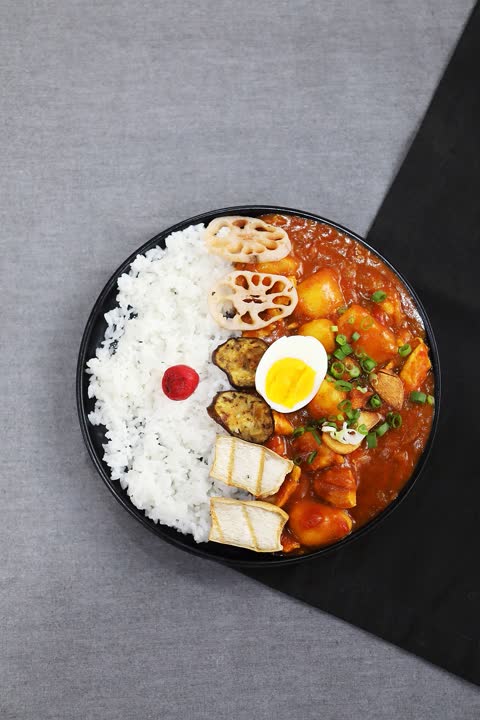
Dish Spotlight
One dish, a slow move across your photo, the dish name and where to find you.
Original-photo motion15 seconds · 1080 × 1920 · silent
Use this style: Dish Spotlight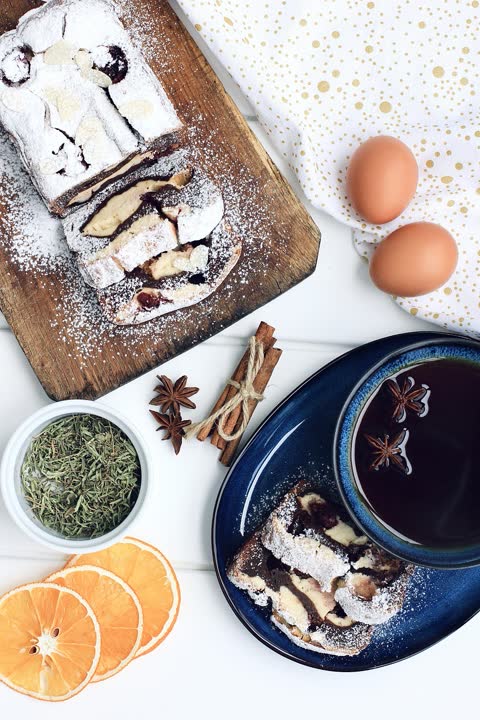
Three-Dish Menu
Three of your photos, each with its exact name and price, then your restaurant card.
Original-photo motion15 seconds · 1080 × 1920 · silent
Use this style: Three-Dish Menu
AI animation (beta) is not available yet. When it is, it will be clearly marked, optional and quoted separately before you pay anything extra.
Next week, change the offer. Keep the dish.
A saved dish keeps its photo and its pictures. When the price or the dates change, the reel is rebuilt with the new words and the same visuals, and you approve it again.
Margherita Pizza
A saved dish. Try changing this week’s details.
Illustration only. In the app you pick real dates and they are formatted for you.
Demo Kitchen
£9.50
Mon 16 to Fri 20 Nov
Visit us this week
New end card. Same pictures.
Your words, exactly. Your decision, always.
Text and pictures are handled separately, so a price can never be redrawn or guessed.
The offer text is drawn by the renderer
Names, prices, dates and conditions are placed from what you typed and confirmed. If something is too long to fit, you are asked to shorten it. It is never cut for you.
Original-photo styles move your photo as it is
No part of the dish is generated. You see your photo beside the finished reel before you approve it.
Generated motion needs your eyes
AI animation can change how food looks, which is why it is off today and will always need your review when it arrives.
Nothing is assumed from a picture
Ingredients, dietary labels and popularity are never worked out from a photo or added to your caption.
Pricing
Every plan is credits each month. A reel costs 200 credits and comes as a 15 second MP4, a story cover and a caption. Need more in a busy month? Top up 1,000 credits for $4.99, enough for 5 more reels.
Basic
$9.99 a month
- 2,000 credits every month
- Enough for 10 reels at 200 credits each
- Free previews and free wording changes
Plus
$19.99 a month
- 4,000 credits every month
- Enough for 20 reels at 200 credits each
- Free previews and free wording changes
Premium
After AI testing$34.99 a month
- 7,500 credits every month
- For AI reels with creative effects, once they are tested and released
- Free previews and free wording changes
Not on sale yet. These are the prices planned for the pilot and may change before sales start. When they open, you pay on Stripe’s page and can cancel there.
If a reel fails: the held credits are released. Credits are used only when a finished reel passes its technical checks.
Good to know: unused credits carry over while your account is open. Prices exclude tax; any VAT or GST is added at checkout. See the Refund Policy and Terms.
AI reels: not available yet. The Premium plan is for them and opens once they are tested.
Questions about food reels
What is a food reel maker?
A tool that turns photos of your dishes into short vertical videos for Instagram Reels, TikTok and stories. BiteReel makes a 15 second reel from your own dish photo, with your exact dish name, price and offer dates on screen, plus a story cover and a caption.
Is it for restaurant marketing on Instagram and TikTok?
Yes. Each reel is 1080 by 1920, the vertical size Reels, TikTok and Stories use, with the important text kept clear of the buttons those apps draw on top. It suits weekly specials, new dishes and offers for restaurants, cafés and takeaways.
Do I need good photos?
You need a clear photo of the real dish. Photos with a short side under 1080 pixels still work, and you are warned that they may look soft. You see the crop before anything is made.
Will my dish change?
Not in the styles available today. They move your own photo as it is: a slow push in or pull out. Nothing in the picture is generated. AI animation, which can alter how food looks, is not switched on.
Can I edit a price?
Yes. Changing a price, a date or other wording makes a new version from the same pictures at no extra credit. The earlier approval no longer applies, so you review and approve the new version.
Where can I post it?
Anywhere that takes a vertical video: the file is a 15 second MP4, 1080 by 1920. You download it and post it yourself.
Is music included?
No. Reels are silent today. You can add sound in the app you post with.
What happens if making a reel fails?
The credits that were held are released and nothing is used. Credits are only used when a finished reel passes its technical checks.
Do credits expire?
No. Credits do not expire while your account is open, so unused credits carry over to the next month.
Can I get a refund?
Yes, within 14 days of a payment if you have not used any of its credits, and within 7 days of a monthly renewal you forgot to cancel. Faulty reels are remade or the credits returned. Full details are in the Refund Policy.
Can I delete photos?
Yes. Deleting a dish hides it and its photo straight away, and the photo is permanently removed from storage within seven days.
Do you publish for me?
No. Nothing is ever posted for you, and there is no connection to your social accounts.